
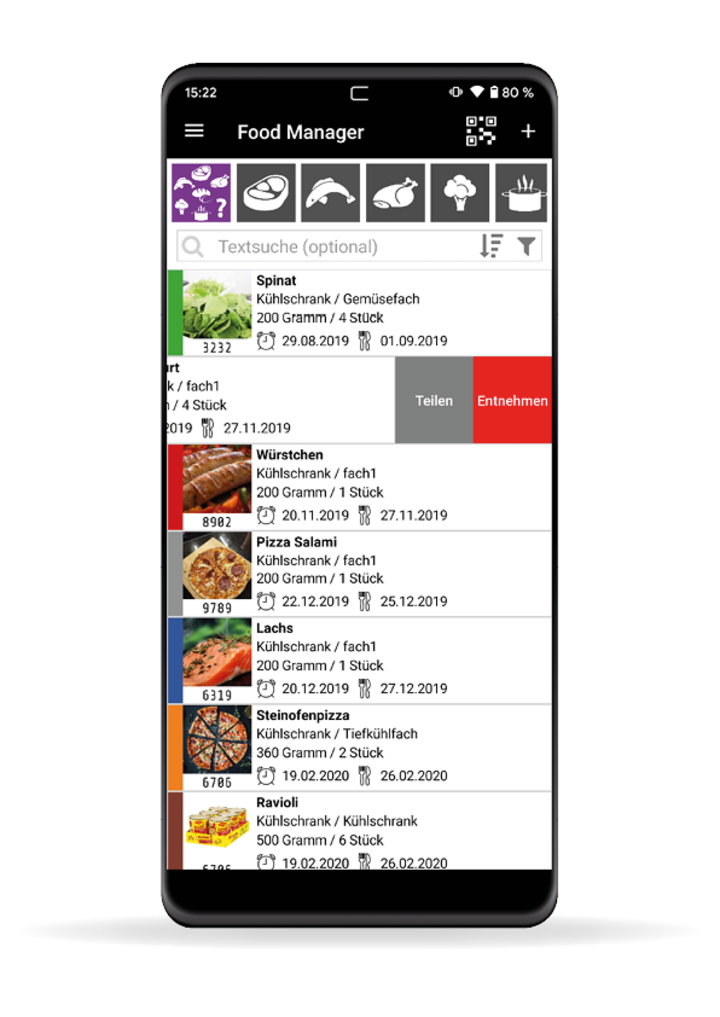
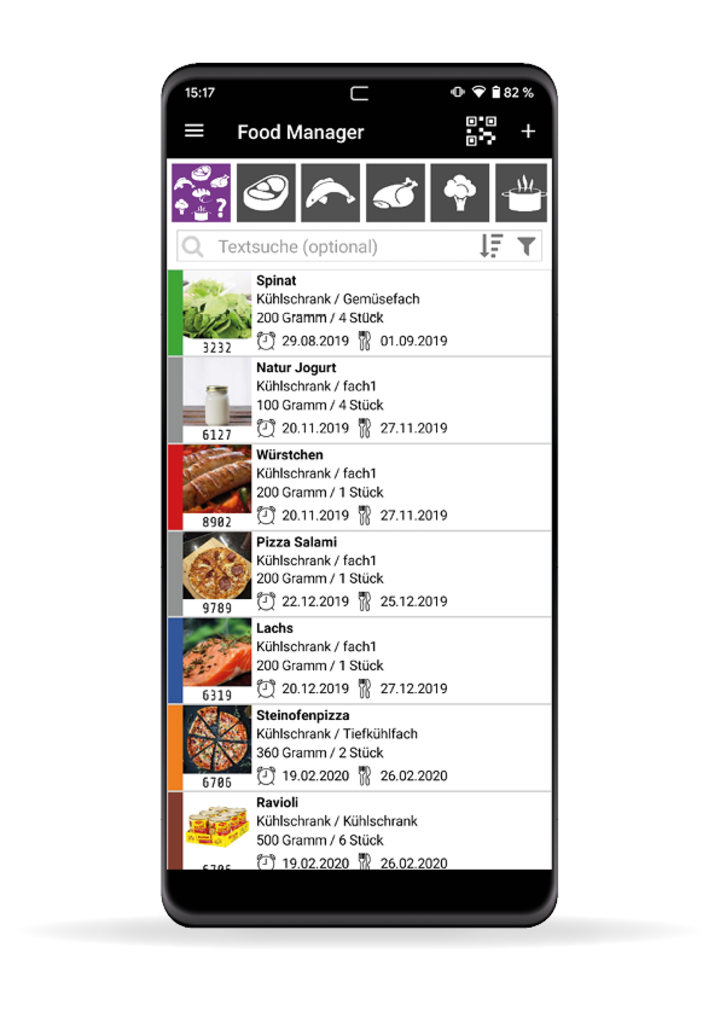
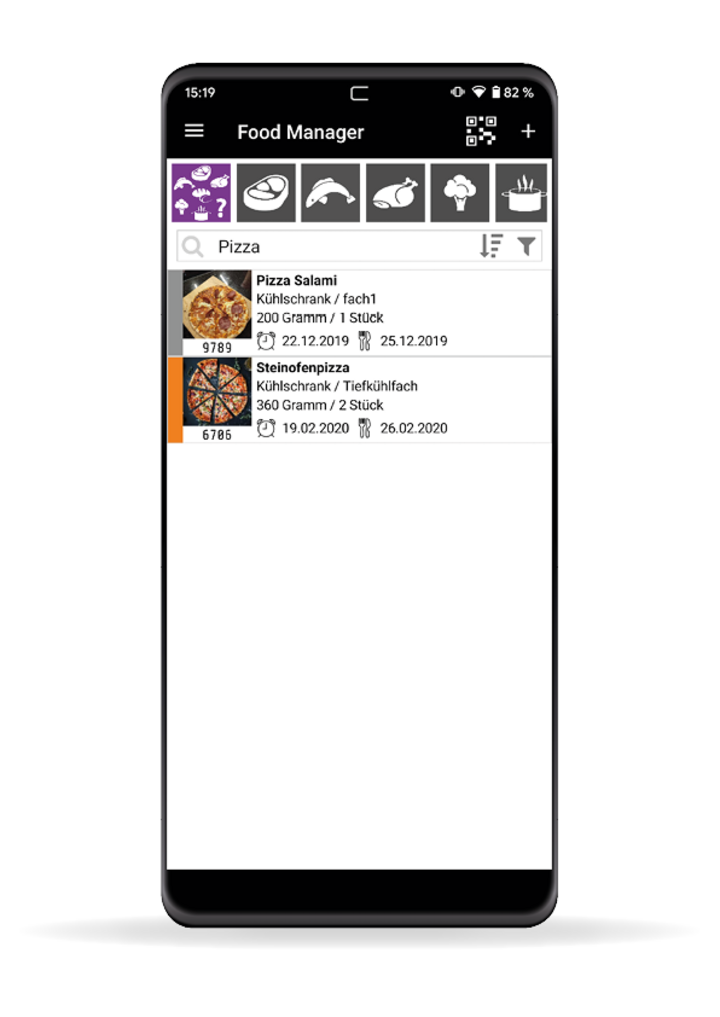
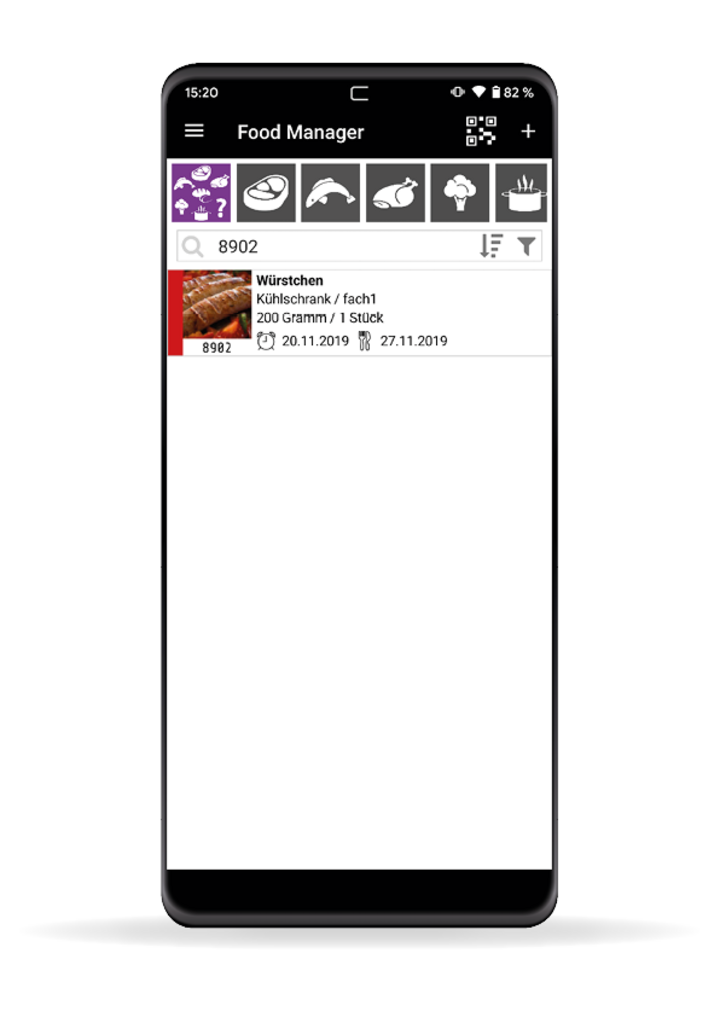
The best way to store and organize your food
Experience the perfect overview on your stored foods with the new CASO® DESIGN Food Manager App. Use the app to scan QR-Code labels applied on your stored food items, which are then added to your personal food list. That way, you always have a clear idea of what’s in your fridge or freezer and whether something is missing or short of expiring. Learn more about the app and its handy features and begin now to embrace a more sustainable way to treat your food.

Video transcription
Functions in detail
-
Smart storage
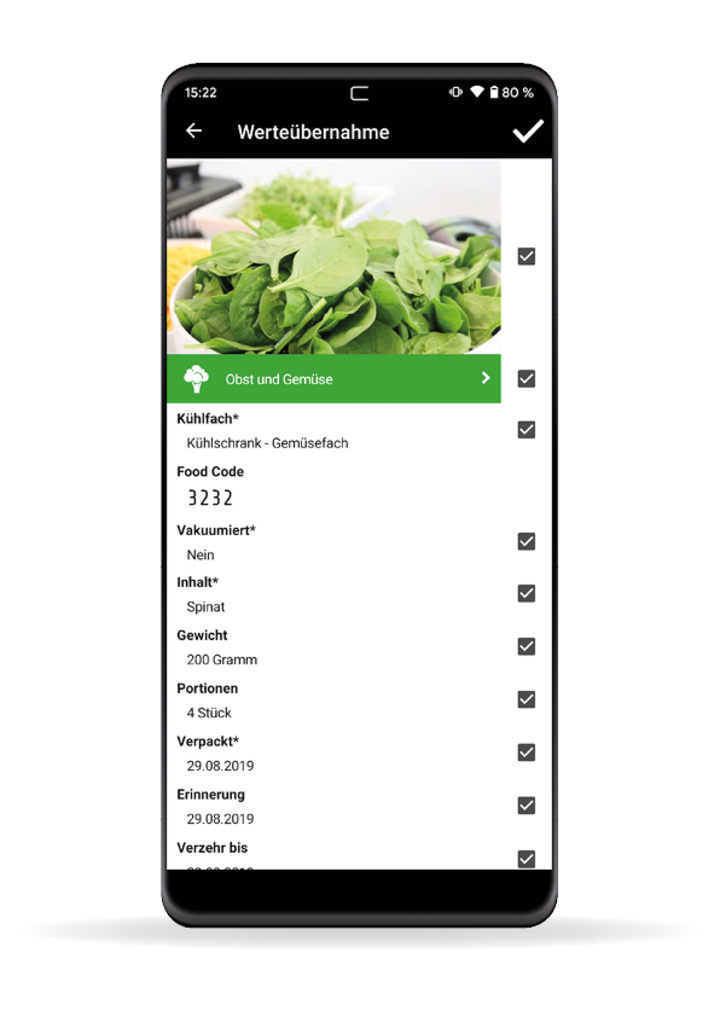
- Put leftovers in a container and scan it in order to add it to your personal food item list.
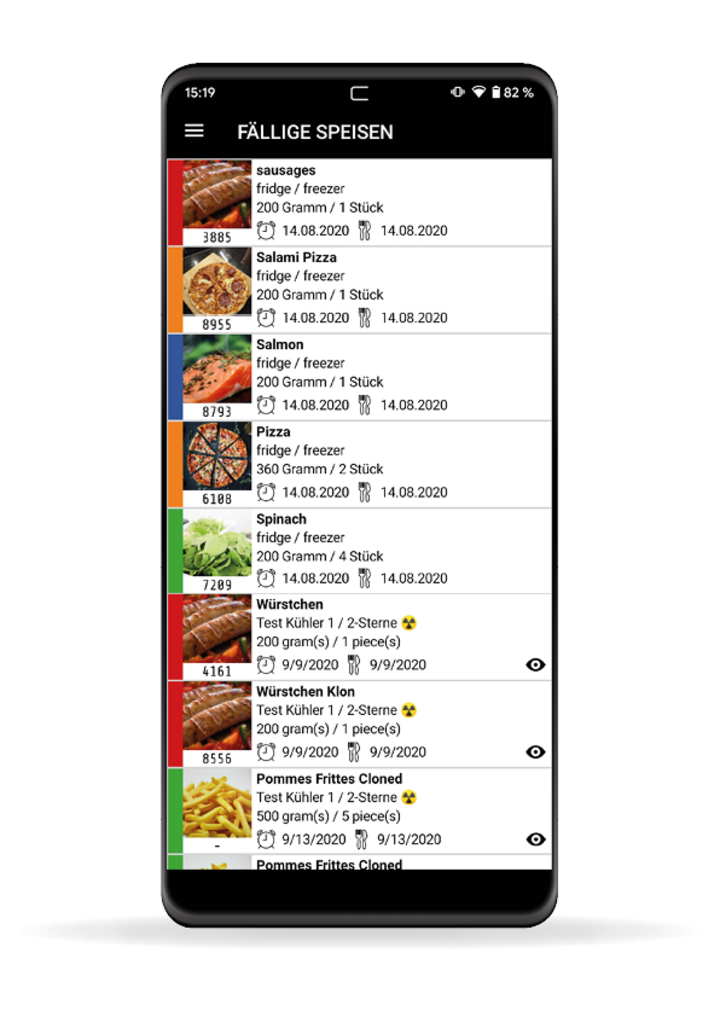
- Scanned foods can be sorted by place of storage (freezer / fridge / storage room etc. )
- Scanned foods can be displayed by type of food (fish, meat, vegetables etc.)
- The CASO Food Manager App informs about the durability of your stored foods by letting you attribute an expiry date to each food item on your list.
- You can even use the history function (old or deleted entries) to create new ones.
-
Handy QR-Code labels
- Label your stored food items with handy QR-Code labels provided by CASO Design.
- Scan the label and add the respective food to your personal stored food overview.
- Free of charge standard labels for self printing on www.casoapp.com
- CASO Food Manager Sticker Pro (store, identify and withdrawal scan) in the CASO Design Shop.
- If you don`t have a sticker, you can use a Food Code to capture your food.
-
Shop smarter
- While enroute, check what’s available in your fridge. That way, you can make sure to only buy foods you need.
-
Cook more creatively
- A quick look into your CASO Food Manager gives you ideas on what you can cook.
-
Ideally combinable with CASO Vacuum Systems
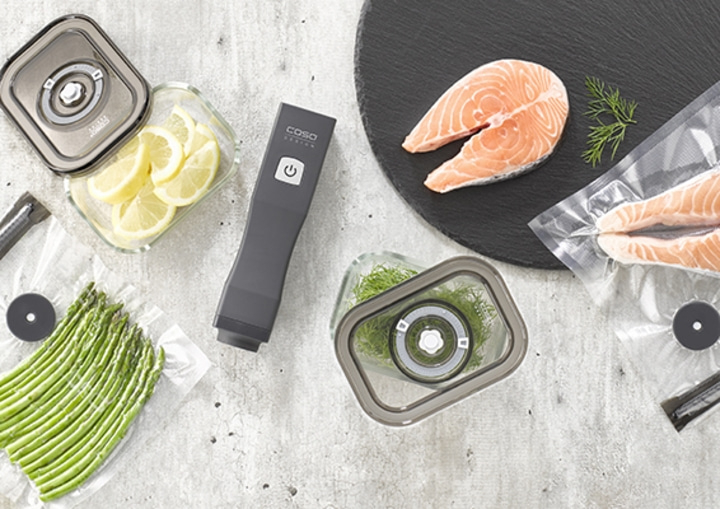
- Use the CASO FOOD MANAGER APP in with a number of CASO Vacuum Systems. The ideal addition to the best possible way of sustainably dealing with your food items. Note that CASO Vacuum Bags and Foil come with a variety of differently-sized QR-Code labels.
-
No QR-Code labels at hand?
- All food items can also be added and organized manually – no problem.
-
More Safety
- The app’s technology is based on a protected, safe and independent security system in Germany.
-
Quickly scan and identify your food with EAN Code
- You can now scan the EAN code on the packaging of a food item using your phone camera. The app then automatically identifies your food item, making it a lot easier to add and save new food items.
- Use hashtags to create your own categories
-
Cross-device use of data
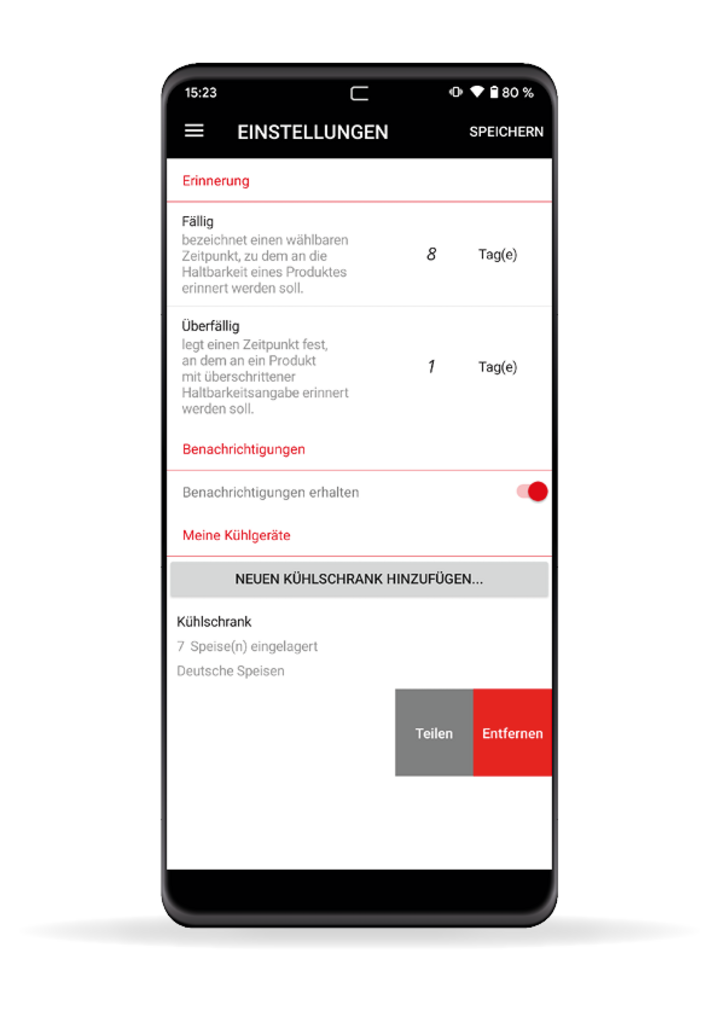
- Due to saving the data in the CASO Cloud, you can use the app on several devices at the same time. So you can`t lose your data by an uninstallation or damaged device. The app can also be used by different people.
-
Duplicate products
- Use the duplicate function to add equal or similar products based on existing products.
- You can even use the history function (old or deleted entries) to create new ones.
-
CASO App Account
One Account – all Apps: Manage all CASO Apps in the CASO App Account. Please note, that the CASO App Account is different to the CASO Shop Account.
CASO App Services
Manage your CASO App account or discover news and tips regarding the CASO apps.
CASO App Account
Create or manage your personal CASO App account.
With the CASO apps, you have the opportunity to make even better use of selected CASO products. Your central app account gives you access to all CASO apps.
Downloads:
CASO Design Food Manager App free of charge.
Android ™
Download the CASO® Control App for your smartphone or tablet from the Google Play Store.
Trademark information
CASO Design® Food Manager and its logos are registered trademarks of CASO GmbH. Apple®, iOS®, and their logos are registered trademarks of Apple Inc. in the United States and other countries. Android™ is a trademark of Google LLC.